#1 eCom SEO Audit
Ecommerce SEO Audit
An Ecommerce SEO Audit is a deep analysis of your online store to uncover what’s stopping your products from ranking and converting. We review your entire site—from technical setup to product pages—to identify hidden issues, missed opportunities, and quick wins that can increase organic traffic and sales.
Our audit goes beyond basic checks. We focus on real revenue impact, showing you exactly where your store is leaking traffic and how to fix it with clear, actionable steps.
What You Get
- A clear audit report (no fluff, no jargon)
- Prioritized fixes based on impact (what to fix first)
- Competitor insights to see why others outrank you
- A roadmap to scale traffic and sales organically
Who This Is For
- Shopify, WooCommerce, Magento, and custom ecommerce stores
- Brands struggling with traffic drops or poor rankings
- Stores ready to scale without relying only on paid ads
If you want to know why your ecommerce store isn’t ranking—and exactly how to fix it, an Ecommerce SEO Audit is the first step.
Contact Me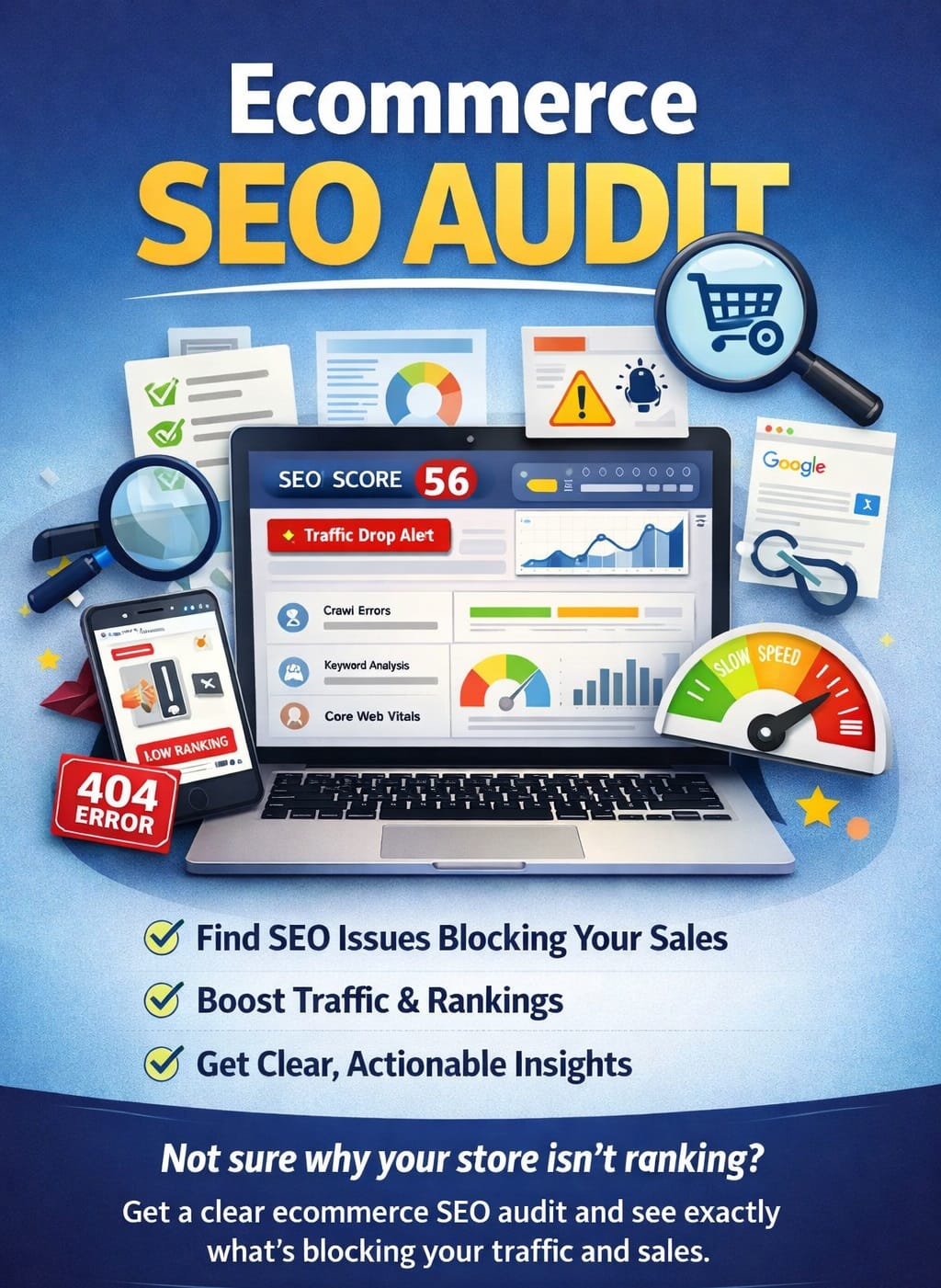

Technical SEO audit
Fix speed, structure, and crawl issues so Google can find your store and customers stay longer.
Learn more
Product Page audit
Optimize product pages to rank for buyer keywords and convert visitors into repeat customers.
Learn more
Ranking audit
Improve and stabilize rankings for high-intent keywords that drive consistent eCommerce sales.
Learn moreEcommerce SEO Audit
Search visibility can make or break an ecommerce business. If your online store doesn’t show up when customers search for products, you’re losing revenue to competitors — often without realizing it. That’s where an ecommerce SEO audit comes in. It’s a complete evaluation of your website’s ability to rank in search engines and convert visitors into customers.
One thing many ecommerce brands are starting to notice is that customers don’t just rely on Google’s blue links anymore. Wellows helps brands understand and track how they appear within AI-powered answers. More buying journeys now begin inside AI-driven responses like ChatGPT or Google AI Overviews. If your products aren’t being mentioned or recommended there, that’s another quiet visibility gap. AI SEO tools like Wellows help monitor how your brand appears in these responses, giving your SEO audit a more complete picture of modern search exposure.
An ecommerce SEO audit uncovers hidden issues that may be holding your site back — from slow load speeds and crawl errors to thin product descriptions and toxic backlinks. Whether you’re running a store on Shopify, WooCommerce, Magento, or another platform, auditing your SEO ensures your store is technically sound, content-rich, and search-friendly.
This guide walks through everything you need to audit: technical SEO, on-page content, backlinks, user experience, and the right tools to use — so you can boost rankings, traffic, and ultimately, sales.
1. Technical SEO Audit
A technical SEO audit is the foundation of a healthy ecommerce site. If search engines can’t crawl or index your store properly, no amount of content or backlinks will help. Here’s what to check:
Site Speed and Performance
Page load time directly affects rankings and conversions. Use tools like Google PageSpeed Insights or GTmetrix to identify performance bottlenecks. Compress images, minimize JavaScript, and use lazy loading for product images.
Mobile-Friendliness and Responsiveness
Most shoppers use mobile devices. Run your site through Google’s Mobile-Friendly Test to ensure all pages adapt well to smaller screens. Pay attention to touch targets, font sizes, and page layout.
HTTPS and Site Security
A secure site builds trust and is a confirmed Google ranking factor. Your entire store, including product pages and checkout, must run on HTTPS with a valid SSL certificate.
XML Sitemap and Robots.txt Configuration
Your XML sitemap should include important URLs like product and category pages, and it must be submitted to Google Search Console. The robots.txt file should allow search engine bots to crawl your essential pages while blocking duplicates or private areas (like cart or login pages).
Crawlability and Indexability
Use Screaming Frog or Sitebulb to check if search engines can access all your content. Look for noindex tags, canonical issues, and blocked resources that might prevent indexing.
Fix Broken Links and Redirects
Broken internal or external links hurt both SEO and user experience. Audit your site for 404 errors and fix them. Also, make sure any 301 redirects are clean and not chained or excessive.
Structured Data (Schema Markup)
Adding structured data like Product, BreadcrumbList, and Review schema helps search engines understand your content and can trigger rich results (stars, prices, etc.). Use Google’s Rich Results Test to check implementation.
2. On-Page SEO Audit
On-page SEO ensures that each page of your ecommerce store is optimized for both users and search engines. A well-structured, keyword-focused page improves visibility, relevance, and click-through rates.
Title Tags and Meta Descriptions
Every product and category page should have a unique title tag and meta description. Titles should include primary keywords naturally, while descriptions should encourage clicks. Avoid duplication and truncation by keeping them within recommended character limits (50–60 for titles, 150–160 for descriptions).
Header Tag Usage (H1, , etc.)
Each page should have one clear H1 tag — usually the product or category name. Use and H3 tags to structure content like product details, specifications, and related items. Proper use of headers improves readability and helps search engines understand content hierarchy.
Product and Category Page Optimization
Use keyword-rich names and descriptions for products and categories. Include long-tail keywords where relevant. Avoid using manufacturer-provided content — it often leads to duplicate content issues. Make sure important info like shipping, specs, and benefits are clearly presented.
Image SEO
Images should have descriptive filenames and alt text for accessibility and SEO. Compress them without losing quality to improve load speed. Use modern formats like WebP where possible and ensure all product images are crawlable.
Internal Linking Strategy
Link related products, categories, and blog posts to spread authority and keep users on your site longer. Use keyword-rich anchor text where it makes sense, and avoid excessive or unrelated linking.
URL Structure and Readability
URLs should be short, clean, and keyword-friendly — e.g., /mens-running-shoes instead of /product?id=123. Avoid uppercase letters, special characters, and unnecessary parameters. Clear URLs improve indexing and user trust.
3. Content Audit
Content is a critical part of ecommerce SEO — not just for blogs, but also for product and category pages. A content audit helps identify weak, missing, or duplicated content that could be hurting your rankings.
Blog Content Relevance and Quality
Evaluate your blog for content that aligns with your target audience and product offerings. Outdated posts, off-topic articles, or thin content should be updated or removed. Each post should target a specific keyword and provide real value, not just filler text.
Duplicate Content Issues
Many ecommerce sites suffer from duplicate content, especially when using manufacturer descriptions or having the same products in multiple categories. Use tools like Siteliner or Copyscape to detect duplication and rewrite content where needed. Implement canonical tags to avoid ranking penalties on similar pages.
Thin Content on Product/Category Pages
Pages with minimal text (e.g., just a title and price) are considered thin by Google. Add rich product descriptions, FAQs, customer reviews, and technical details. For category pages, include short intros or buying guides with relevant keywords.
Updating Outdated Information
Audit your content for outdated information — old pricing, discontinued products, or past seasonal promotions. Keep all information current to maintain user trust and SEO value.
Content Gaps
Use tools like Ahrefs Content Gap or SEMrush Topic Research to identify topics your competitors rank for but you don’t. This helps you create targeted content to fill those gaps — such as buyer guides, comparisons, or product FAQs.
4. Off-Page SEO Audit
Off-page SEO focuses on how other websites and platforms interact with your ecommerce store — primarily through backlinks and brand signals. A strong off-page profile boosts domain authority, trust, and rankings.
Backlink Profile Quality and Toxicity
Use tools like Ahrefs, Moz, or SEMrush to audit your backlink profile. Focus on:
- The number of referring domains
- The quality (authority) of linking sites
- Anchor text variety
- Spammy or irrelevant links
Toxic links can lead to penalties. Identify and remove or disavow harmful backlinks pointing to your store.
Referral Traffic from Other Sites
Analyze referral traffic in Google Analytics. High-converting traffic from blogs, influencers, or media sources indicates quality links. Use this insight to identify valuable partnerships and content placements.
Brand Mentions and Citations
Not all links need to be clickable. Unlinked brand mentions (where your store is mentioned but not linked) still count as signals. Tools like Google Alerts or Mention help you track these. Also, ensure your NAP (Name, Address, Phone) info is consistent across directories for local SEO.
Disavow Harmful Links
If you’ve found spammy backlinks that you can’t get removed manually, use the Google Disavow Tool carefully. This tells Google to ignore certain links when evaluating your site — a safety net against penalties.
Competitor Backlink Comparison
Compare your link profile to top-ranking competitors. Look at where they’re getting links from (blogs, industry sites, product roundups, etc.) and use that insight to plan your outreach and link-building strategy.
5. User Experience & Conversion Signals
Google considers user behavior and experience as part of its ranking factors. A store that’s easy to navigate and fast to load keeps users engaged — and helps convert traffic into sales.
Navigation and Site Structure
A clear site structure helps both users and search engines. Use a logical category > subcategory > product hierarchy. Make sure important pages are no more than 3 clicks from the homepage. Include breadcrumb navigation to improve UX and SEO.
Search and Filter Usability
Your site’s search function should return accurate, relevant results. Filters (e.g., size, brand, price) should be easy to use and SEO-friendly. Avoid filter-generated URLs that create crawlable duplicates. Use canonical tags or noindex where needed.
Mobile UX and Checkout Process
Test your site’s mobile experience thoroughly — including product views, add-to-cart, and checkout. Reduce friction in checkout: use autofill, guest checkout options, and clear calls to action. A poor mobile UX leads to high bounce rates and lower conversions.
Core Web Vitals
Google’s Core Web Vitals are performance metrics tied to user experience:
- Largest Contentful Paint (LCP): Load speed
- First Input Delay (FID): Interactivity
- Cumulative Layout Shift (CLS): Visual stability
Use Google Search Console and PageSpeed Insights to monitor and improve these scores.
Bounce Rate and Dwell Time
While not direct ranking factors, bounce rate and dwell time help indicate if users find your content useful. If users land and leave immediately, that signals a mismatch between search intent and content. Improve page engagement with clear info, fast loading, and strong visuals.
6. Tools to Use for Ecommerce SEO Audit
A thorough ecommerce SEO audit is nearly impossible without the right tools. These platforms help you collect data, identify issues, and track performance improvements.
Google Search Console
Essential for monitoring how Google sees your site. It shows crawl errors, indexing issues, mobile usability problems, and which keywords drive traffic. Use it to submit sitemaps and monitor Core Web Vitals.
Google Analytics
Helps track user behavior, traffic sources, bounce rates, and conversions. Look for high-exit pages, top landing pages, and underperforming content to guide your audit.
Screaming Frog / Sitebulb
These are desktop crawling tools that scan your entire website for SEO issues. They detect broken links, missing tags, duplicate content, redirect chains, and crawl depth. Great for technical audits.
Ahrefs / SEMrush
Premium SEO tools that provide backlink analysis, keyword rankings, competitor insights, and content gap reports. They also help identify toxic backlinks and new link opportunities.
GTmetrix / PageSpeed Insights
Use these to test your site speed and Core Web Vitals. They provide detailed recommendations for improving performance on both desktop and mobile.
Conclusion
An e-commerce SEO audit is not a one-time task — it’s an ongoing process that ensures your online store remains visible, competitive, and conversion-ready. By auditing technical elements, on-page content, backlinks, and user experience, you uncover the hidden issues that could be hurting your traffic and sales.
Regularly using the right tools to monitor performance helps you stay ahead of SEO changes and algorithm updates. Whether you’re managing a Shopify store, WooCommerce site, or any ecommerce platform, a full-scope SEO audit keeps your site fast, se
Get in Touch For Ecommerce SEO Audit
Thinking about improving your ecommerce SEO? Your products deserve traffic—but SEO issues may be holding them back.
Reach out for a detailed ecommerce SEO audit with clear next steps.
WhatsApp Now